In this article
- Do You Actually Need a Mobile App?
- Native vs Cross-Platform: The Real Trade-offs
- For most startups, Flutter is the default right answer in 2025.
- What Drives Mobile App Development Costs
- Plan for App Store Submission Early
- Start with a Design Spec, Not a Requirements Document
A mobile app can be one of the most powerful products a startup can build — or one of the most expensive mistakes. The difference usually comes down to the decisions made before development begins. Here's what you need to know before you start.
Do You Actually Need a Mobile App?
The first question isn't "which platform?" — it's "do we need a native app at all?" A progressive web app (PWA) can often do 80% of what a native app does, at 20% of the cost, without the app store friction. Native apps make sense when you need: camera access beyond basic photo capture, push notifications (though PWAs support this now), offline-first functionality, access to device hardware (GPS precision, BLE, NFC), or deep OS integrations.
Native vs Cross-Platform: The Real Trade-offs
- Native (Swift/Kotlin): Best performance and access to platform APIs. Double the codebase = double the cost. Right for apps where performance is critical.
- Flutter: Single codebase, near-native performance, beautiful UI. Great choice for most startup apps in 2025. Strong for both iOS and Android.
- React Native: Single codebase with JavaScript. Large ecosystem. More mature than Flutter but slightly more performance overhead. Good if your team knows React.
- Web-first (PWA): Fastest to market, cheapest to maintain. No app store listing. Right for early validation.
For most startups, Flutter is the default right answer in 2025.
It produces beautiful, performant apps on both iOS and Android from a single codebase, has a massive ecosystem, and is backed by Google. Unless you have a specific reason to go native, start with Flutter.
What Drives Mobile App Development Costs
- Number of screens and user flows
- Custom animations and interactions
- Backend complexity (auth, databases, APIs)
- Third-party integrations (payments, maps, social login)
- Push notifications and background tasks
- App store submission and review process
Plan for App Store Submission Early
Apple's App Store review process takes 1–3 days minimum and can reject apps for reasons that aren't always clear. Build in time for this. Common rejection reasons: privacy policy missing or incomplete, app doesn't function as described, UI guidelines not followed, metadata violations.
Start with a Design Spec, Not a Requirements Document
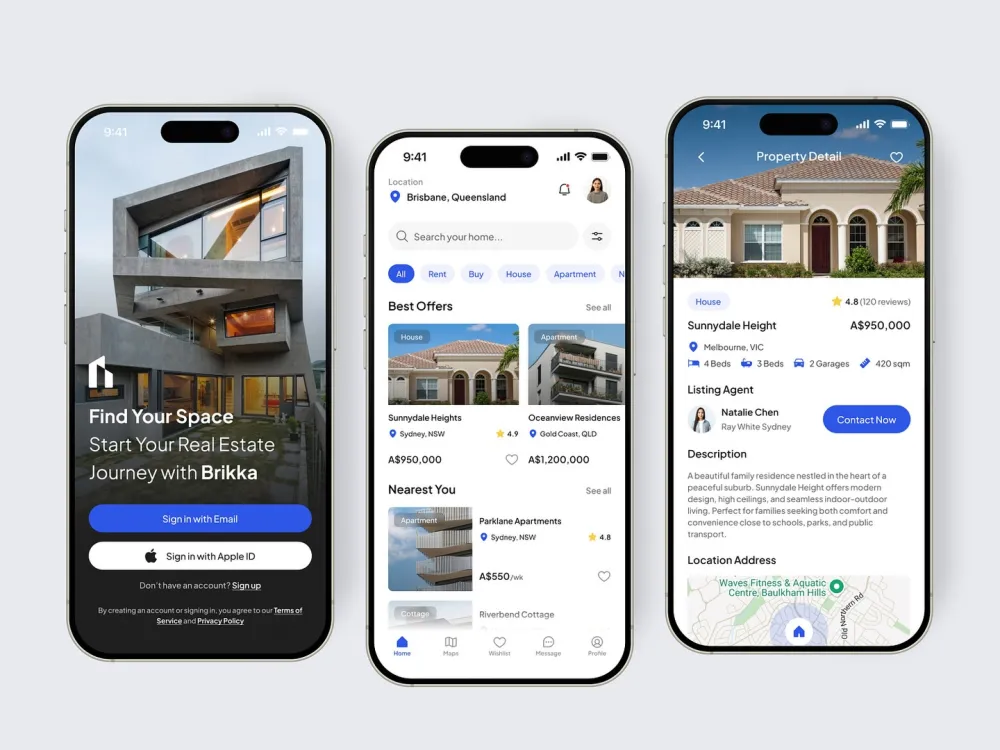
The most common cause of mobile app cost overruns is vague requirements. Before development starts, produce a Figma design for every screen — not wireframes, actual high-fidelity UI. Developers build to a spec, not a description. Every screen you leave undefined gets interpreted differently by the developer than what you imagined.
Aizenmarq builds mobile apps in Flutter and React Native for startups and businesses, with end-to-end support from design to App Store submission. Visit aizenmarq.com to get a project quote.