In this article
- Understand What UI and UX Actually Mean
- Start with the Fundamentals of Visual Design
- Learn Figma (The Industry Standard Tool)
- Study Real Products
- Build a Project Portfolio
- The Importance of Real-Project Learning
Every app, website, and digital product you've ever used was designed by someone. UI/UX designers are the people who decide how something looks, how it works, and whether using it feels easy or frustrating. In 2025, it's one of the most in-demand and well-paying skills in tech — and unlike coding, you can begin producing real work within weeks of starting.
Here's a complete, honest roadmap for learning UI/UX design from zero.
Understand What UI and UX Actually Mean
UI (User Interface) is what you see — the buttons, colors, typography, layout, and visual design of a digital product. UX (User Experience) is how it works — the flow, logic, information architecture, and how easy or hard it is to accomplish a goal. Good products need both.
Start with the Fundamentals of Visual Design
- Typography: Understand type scales, font pairing, line height, and when to use serif vs sans-serif
- Color theory: Color psychology, contrast ratios, building a color palette
- Spacing and layout: 8-point grid system, padding, margins, and visual hierarchy
- Icons and imagery: When to use icons, image cropping, aspect ratios
Learn Figma (The Industry Standard Tool)
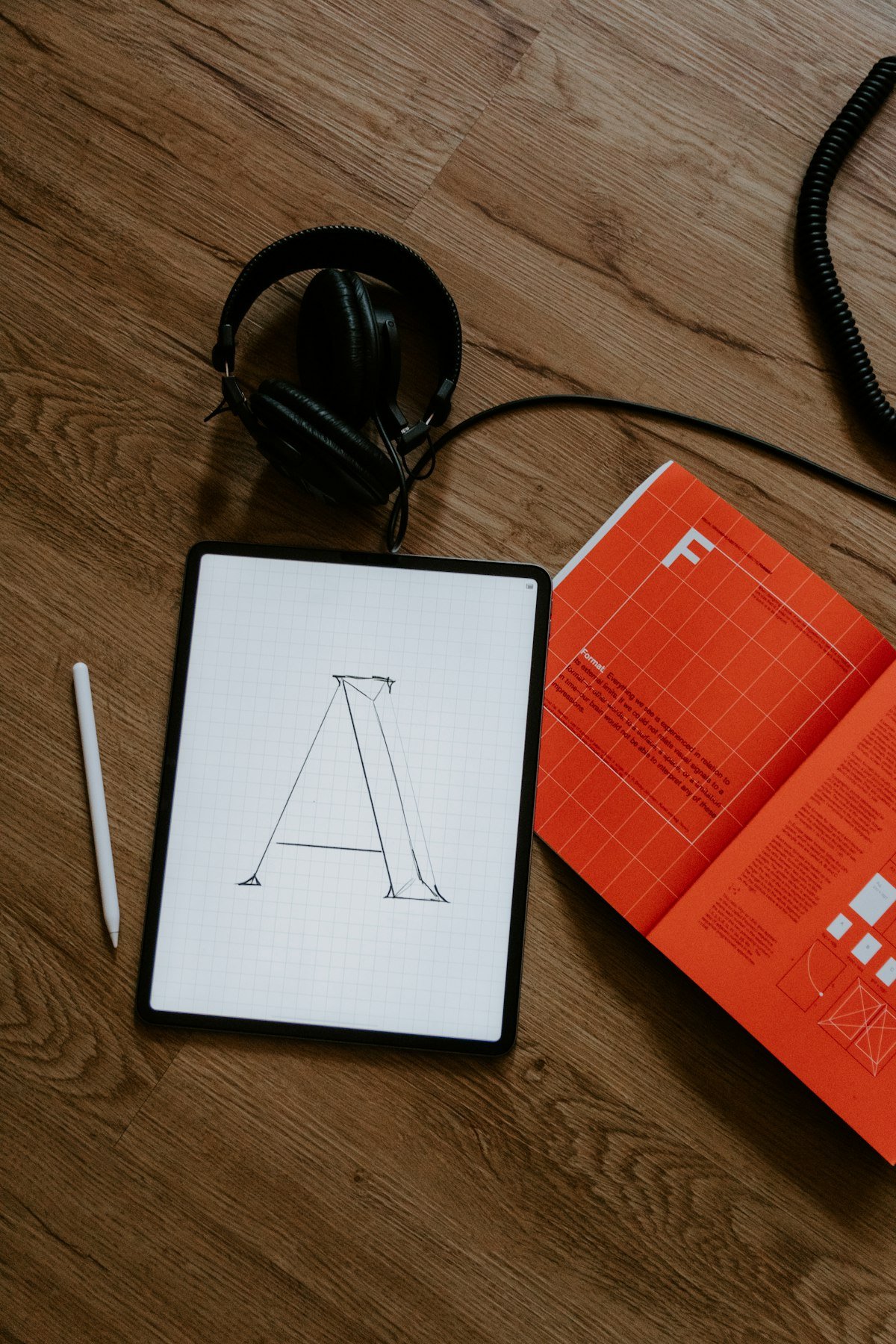
Figma is free and runs in the browser. It is the tool used by every major product company in the world. Start with the basics: frames, shapes, text, and constraints. Then learn components and variants, auto layout, prototyping, and design systems. Give yourself 2–3 weeks of daily practice in Figma before moving on.
Study Real Products
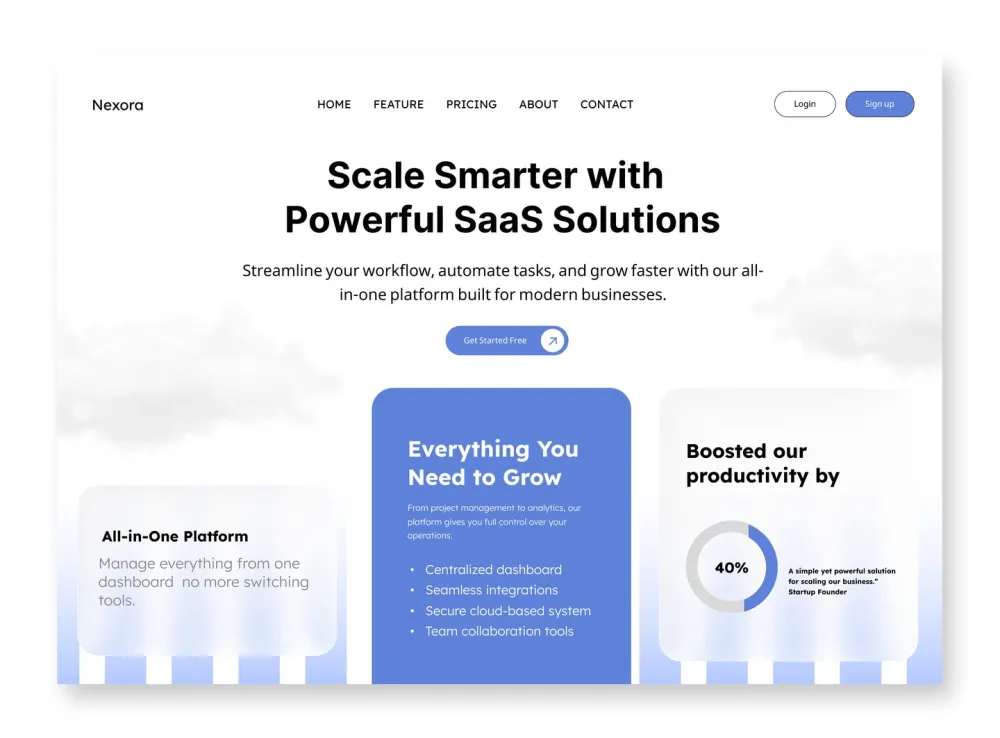
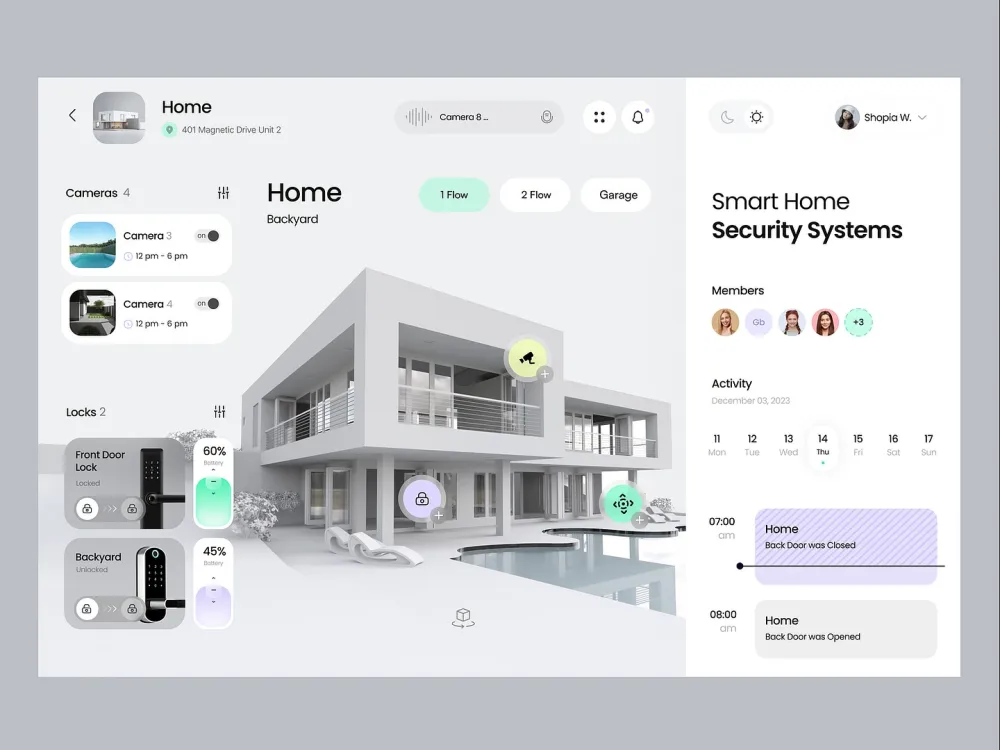
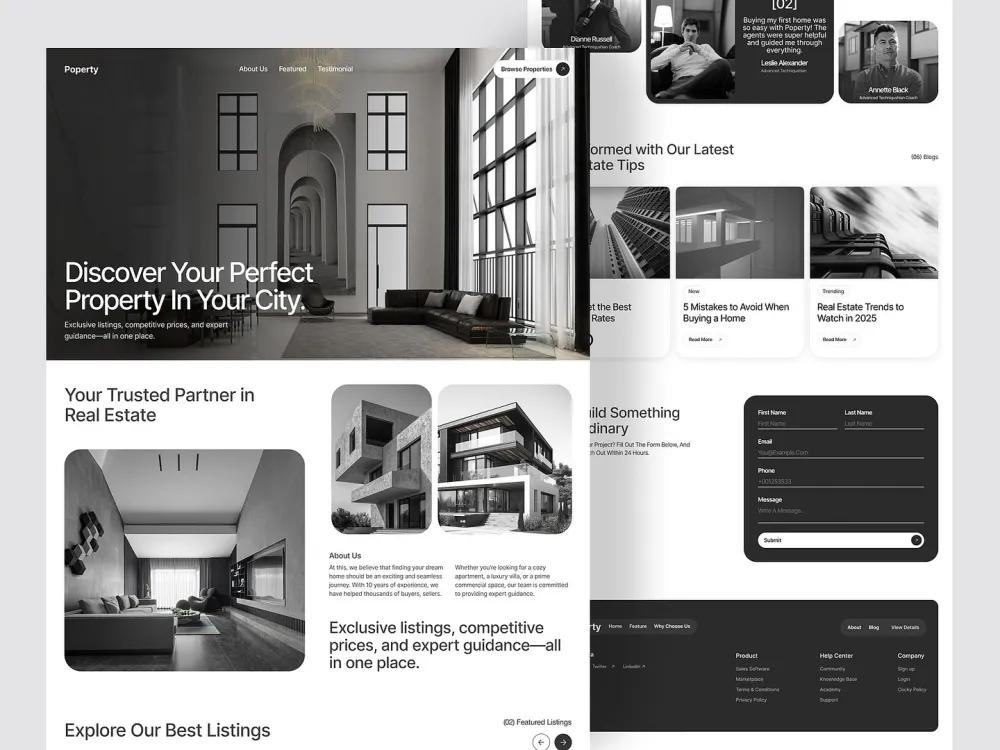
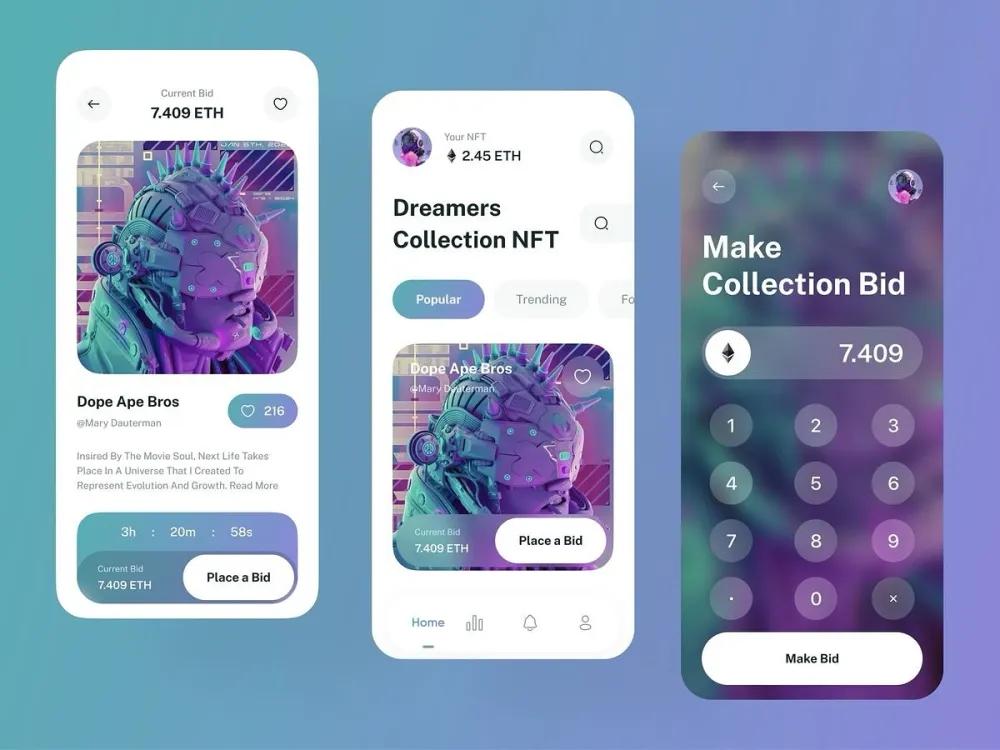
The fastest way to develop design judgment is to study products you use every day with a critical eye. Ask: Why is this button placed here? Why is this section this color? How does the onboarding flow guide me? Sites like Mobbin, Screenlane, and Dribbble are great resources for seeing how professional designers solve problems.
Build a Project Portfolio
You don't need a job to build a portfolio. Redesign an app you use (explain your reasoning). Create a concept app from scratch. Design a website for a local business. What matters is the process — your research, your wireframes, your decisions, and your final screens. Show your thinking, not just the output.
The Importance of Real-Project Learning
Watching tutorials and reading articles will only take you so far. The real learning happens when you work on actual products with real constraints, feedback, and deadlines. This is exactly what Aizenmarq's training institute is built around — students work on real projects from day one, with mentor guidance at every step. If you're serious about learning UI/UX design and building a career, that project-based approach is the one that actually works.
Even if you have zero background in design, art, or technology, you can learn UI/UX design and build a genuine career in it. The barrier is not talent — it's having the right structure, the right tools, and the right feedback. Visit aizenmarq.com to learn more about how Aizenmarq trains students to become real product designers.