In this article
- Step 1: Define the Problem Your AI App Solves
- Step 2: Choose the Right AI Approach
- Step 3: Design the Product Before Building
- Step 4: Build the Backend (API + AI Logic)
- Step 5: Build the Frontend
- Step 6: Test with Real Users Early
- Step 7: Deploy and Monitor
AI application development used to require massive infrastructure, a team of PhDs, and a multi-million dollar budget. In 2025, that's no longer the case. With modern APIs, AI-native frameworks, and cloud services, even a solo founder or a small agency can build a production-ready AI application in weeks.
This guide breaks down exactly how to build one — from defining your idea to shipping your first version to users.

Step 1: Define the Problem Your AI App Solves
The biggest mistake early-stage builders make is starting with the technology instead of the problem. Before writing a single line of code, you need to answer: What specific problem does this AI solve, and for whom?
- Who is the user, and what is their pain point?
- Can AI genuinely improve the outcome over a non-AI solution?
- What data does the AI need to function?
- What does 'good' look like — how will you measure success?
Talk to 10 real potential users before writing a single line of code. The problem you think you're solving is rarely the exact problem they experience.
Step 2: Choose the Right AI Approach
Not every AI application needs to train a custom model. In most cases, you'll choose between three approaches:
- API-first (fastest): Use OpenAI, Claude, or Gemini APIs directly. Best for chatbots, summarization, code tools, document analysis.
- Fine-tuned models: Take an existing foundation model and fine-tune it on your domain-specific data. Better accuracy, more cost at scale.
- Custom ML models: Train from scratch using TensorFlow or PyTorch. Reserved for specialized tasks where no foundation model fits.
For most startup use cases in 2025, API-first is the right default. You can always move to a fine-tuned or custom model later if cost or accuracy becomes a problem.
Step 3: Design the Product Before Building
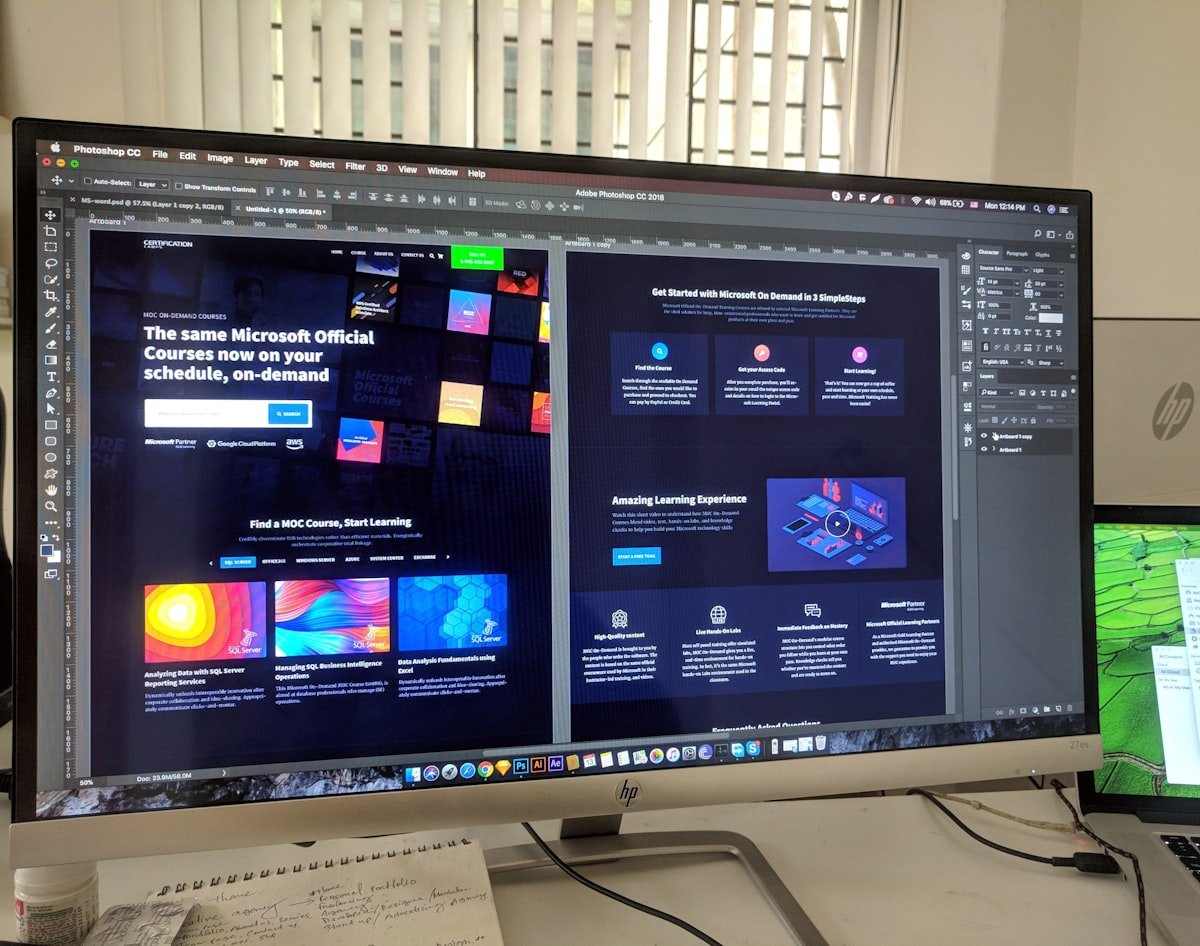
AI or not, users interact with an interface — not a model. Before writing backend logic, design the user experience in Figma. Define every screen: onboarding, the main interaction surface, output display, error states, and settings. A clean UI/UX design at this stage saves weeks of rework later.
Step 4: Build the Backend (API + AI Logic)
Your backend handles the business logic and calls to the AI. Common stack for AI apps in 2025: Python (FastAPI or Flask) on the backend, PostgreSQL or Supabase for structured data, Pinecone or Weaviate if you need vector search (for RAG applications), and Redis for caching and rate limiting.
- Set up your AI API keys securely using environment variables
- Build prompt templates that are version-controlled
- Add input validation and output sanitization
- Implement rate limiting to control API costs
- Log every AI interaction for monitoring and debugging
Step 5: Build the Frontend
React or Next.js is the standard for AI application frontends in 2025. Key considerations: stream AI responses token-by-token for a responsive feel (like ChatGPT), handle loading and error states gracefully, and make the interface forgiving — AI outputs aren't always perfect and users need to be able to edit or retry.
Step 6: Test with Real Users Early

Before polishing the UI, put a rough working version in front of 5–10 real users. What you'll discover is almost always different from what you assumed. Focus on: Does the AI output actually solve their problem? Where does the experience break? What do they try to do that you didn't account for?
Step 7: Deploy and Monitor
Deploy to AWS, Vercel, Railway, or Render. Set up monitoring for: AI API costs (they can spike quickly), response latency, error rates, and user drop-off points. In AI applications, monitoring is not optional — model behavior can drift and costs can explode without it.
AI API costs can spike 10x overnight if you don't add rate limiting and cost caps from day one. Set alerts before you go live.
At Aizenmarq, we've built AI applications across healthcare, education, HR, and e-commerce. If you have an AI product idea and need a team to build it end-to-end, get in touch at aizenmarq.com.